

Signal is the gold standard for private messaging, trusted by privacy advocates, journalists, and security-conscious users worldwide. But to use Signal, you need to verify your account with a phone number. If you want to keep your personal number completely private or need multiple Signal accounts, a virtual phone number from Actibuzz is the perfect solution.
Signal's end-to-end encryption protects your messages, but your phone number is still visible to contacts. A virtual number adds an extra layer of anonymity, ensuring your real identity stays hidden even from people you message.
Setting up Signal with a virtual number is quick and easy.
If you haven't already, sign up for a free Actibuzz account. It takes less than 30 seconds and requires no ID verification.
Go to the Top Up Balance page. You can fund your wallet securely using your Bank Card, Transfer, or Crypto (USDT/BNB).
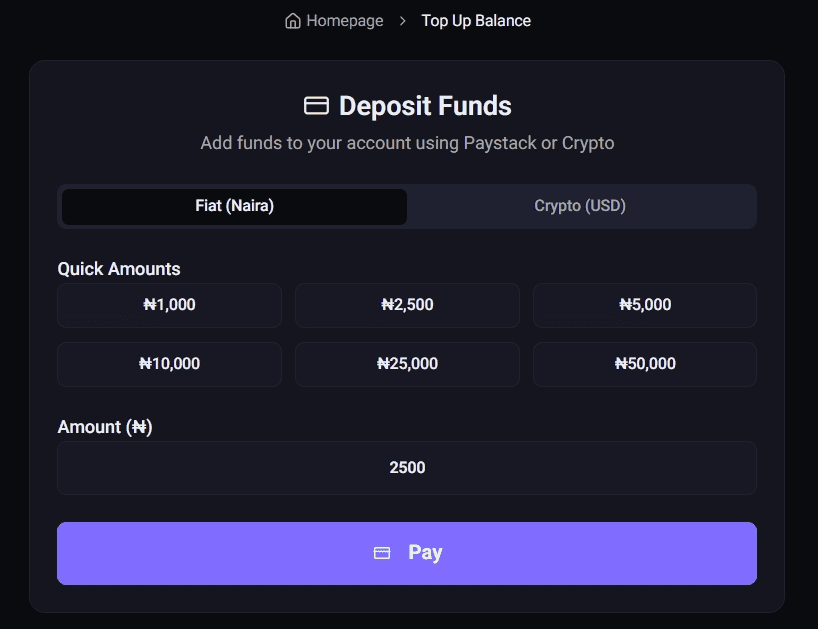 Top Up Page
Log into your Actibuzz dashboard and select Signal from the service list. Choose your preferred country — USA numbers work particularly well for Signal.
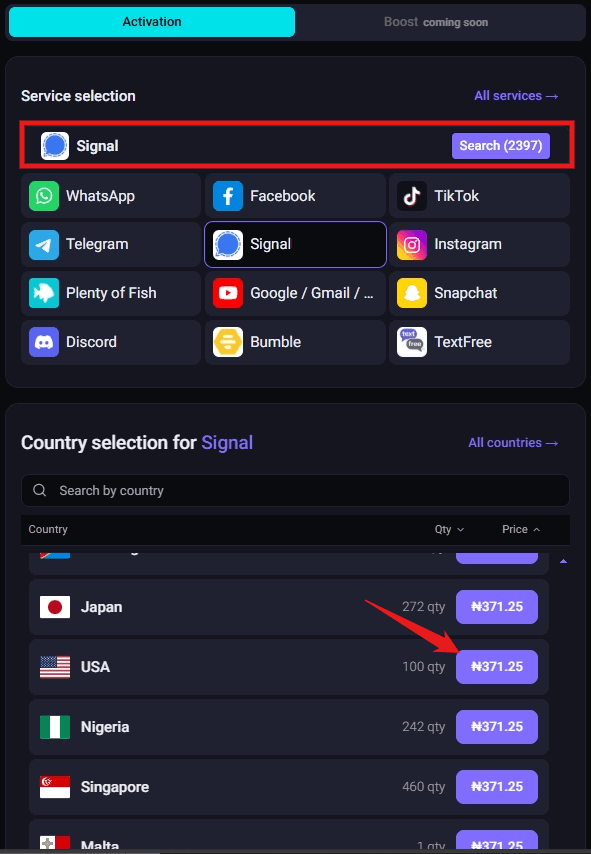 Select Signal Service
Click "GET" to instantly receive a virtual phone number. Copy this number and enter it in the Signal app during registration.
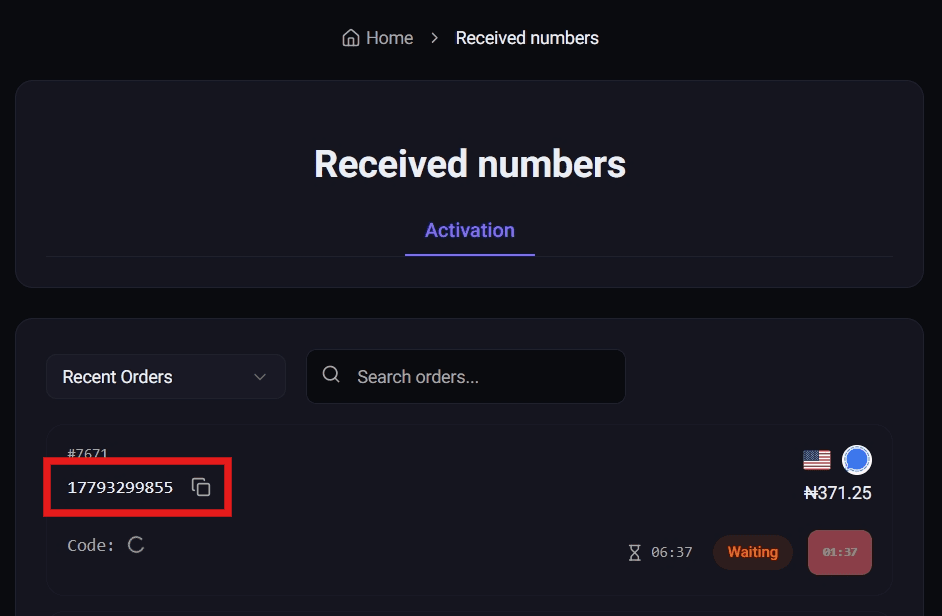 Waiting for Code
Your Signal verification code will appear in your dashboard within seconds. Enter it in the Signal app to complete your account setup.
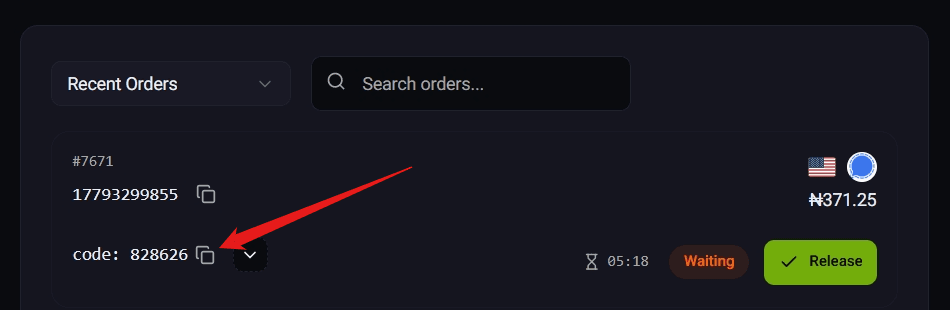 Code Received
To ensure your Signal account remains secure and functional: